





How can I delete my account / personal data?
We are sorry to see you go! Follow these steps to delete your personal data from the WalkFit app:
1. Open the Settings section.
2. Click on the Personal Details button.
3. Select the Delete Personal Data option.
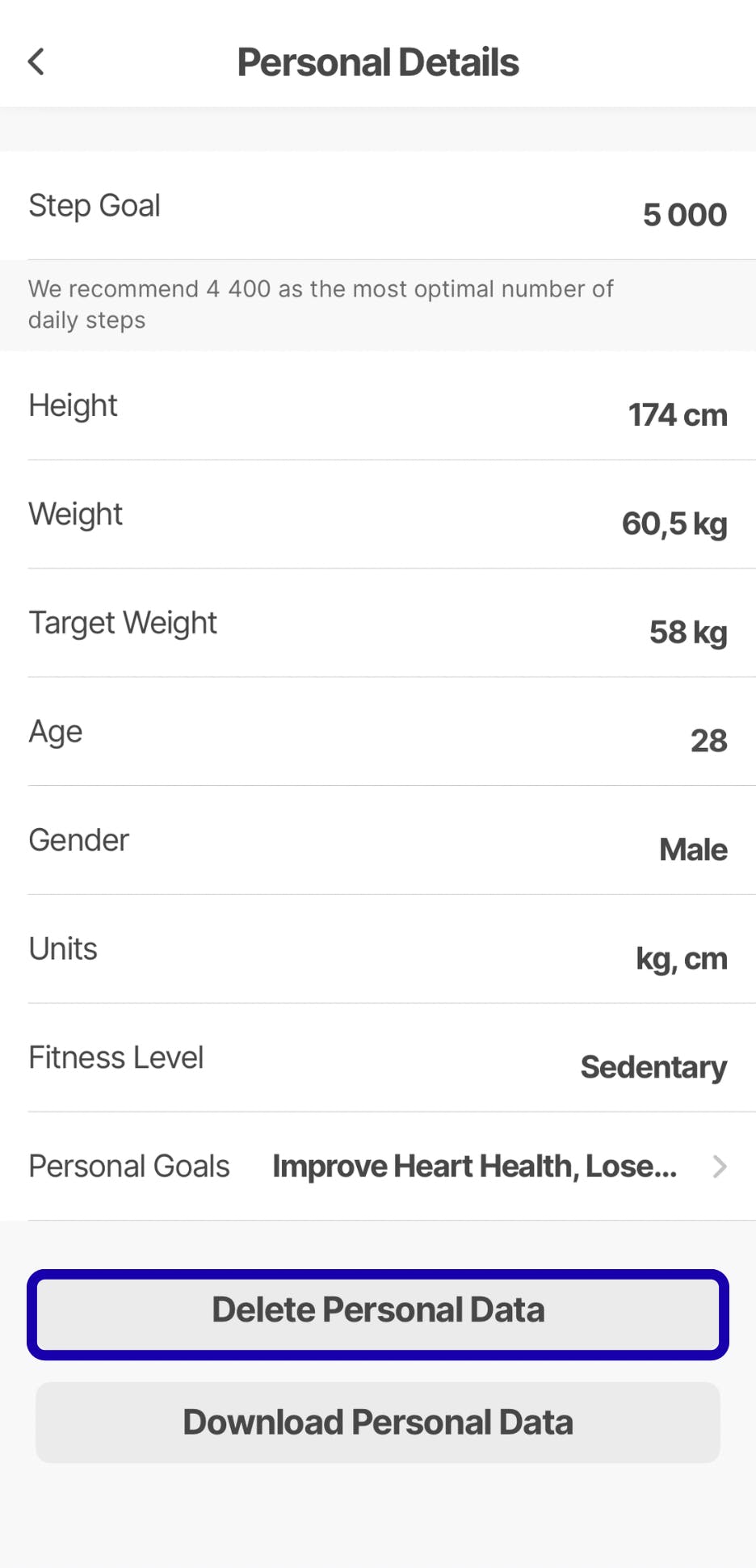
4. Proceed through the confirmation steps to delete your personal data.
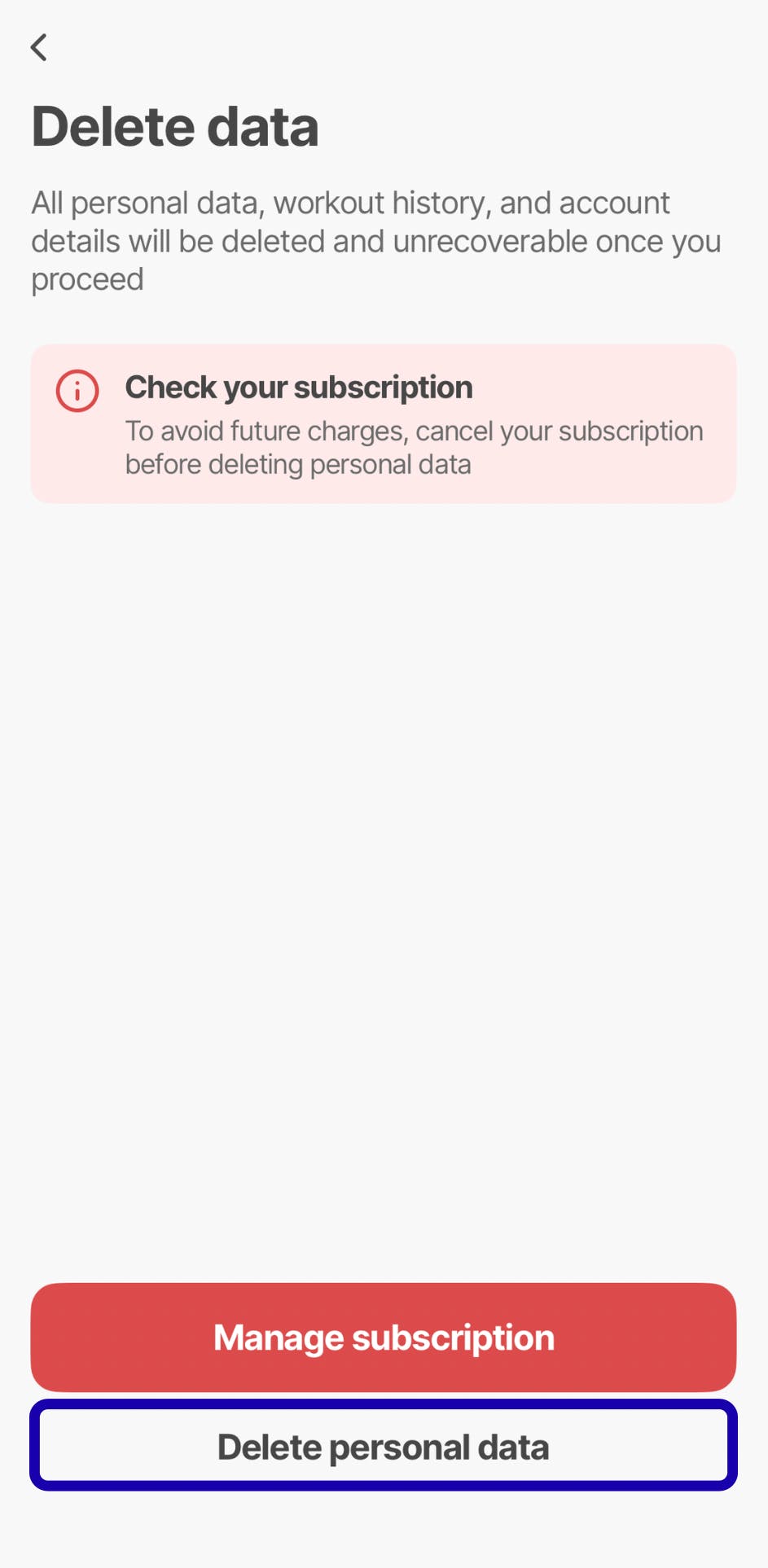
5. To complete the process, write your email address and tap DELETE.

If you want to delete your account, open the Settings section, go to Account Settings and choose Delete Account.
❗Kindly note that deleting your personal account in the app leads to the automatic cancellation of your subscription, and all your progress will be erased. If you would like to continue using the app until the end of the billing period, you should contact the support team for assistance in regaining access to your account.
You can also contact our support team with a request to delete your account via our Contact Form.